Project task
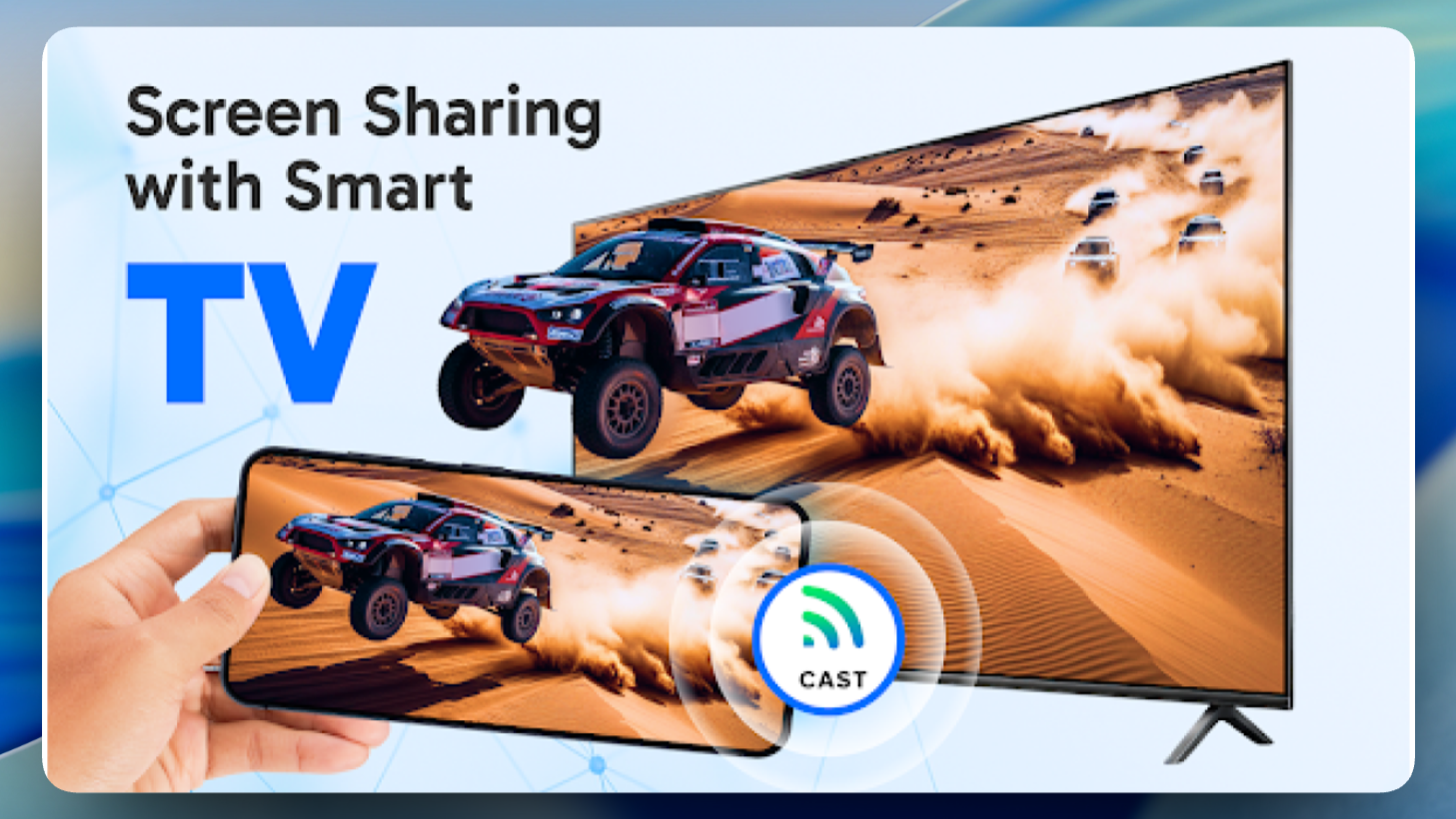
The client approached us with the task of creating an Android app for mirroring a smartphone screen to a Smart TV. The main requirement was stable real-time screen casting without complicated settings for the user.
The app was supposed to work on the principle of “open → connect → watch” and use the local Wi-Fi network without the need for additional devices or cables. The key scenario is showing videos, photos, presentations and apps from a smartphone on the big TV screen.
Product goals
- Simplify the process of casting a smartphone screen to a Smart TV
- Minimize the number of actions before the display starts
- Ensure compatibility with popular Smart TV models
- Make the interface clear even for non-technical users
Core functionality
- Real-time smartphone screen mirroring
- Operation over a shared Wi-Fi network (phone and TV on the same network)
- Miracast / Wireless Display support
- Quick connection without registration
- In-app instructions and tips
- Stable image transmission without noticeable delays
Stages of work
1. Analytics and research
At the start, we analyzed:
- existing solutions on Google Play;
- common user problems (connection drops, complicated setup, unclear errors);
- usage scenarios: videos, presentations, photos, app screen sharing.
Based on the analysis, key user flows were formed and priorities were set: connection stability and interface simplicity are more important than secondary functions.
2. UX / UI design
The main emphasis in the design was placed on:
- a minimal number of screens;
- large and clear CTA buttons;
- visual connection hints;
- a neutral modern style without visual noise.
The interface is designed so that the user intuitively understands that the phone and TV must be connected to the same network, and immediately sees the available devices.
3. Development and testing
After the design was approved, the team started development:
- logic for discovering devices on the local network was implemented;
- real-time screen transmission was set up;
- handling of connection errors and unstable networks was added.
Testing was carried out:
- on different models of Android devices;
- with various Android versions;
- on several Smart TVs.
This made it possible to identify and eliminate compatibility issues and improve the overall stability of the app.
Results
- The app was successfully published on Google Play
- Simple and clear connection logic was implemented
- Users get a working result without complicated settings
- The entry threshold for a non-technical audience was lowered
Key advantages of the solution
- Quick start without registration
- Minimal UX flow
- Works without cables or third-party devices
- Clear instructions right in the interface
Client review
“The app turned out simple and clear. Users quickly figure out how to connect their phone to the TV and can start casting right away without unnecessary steps.”